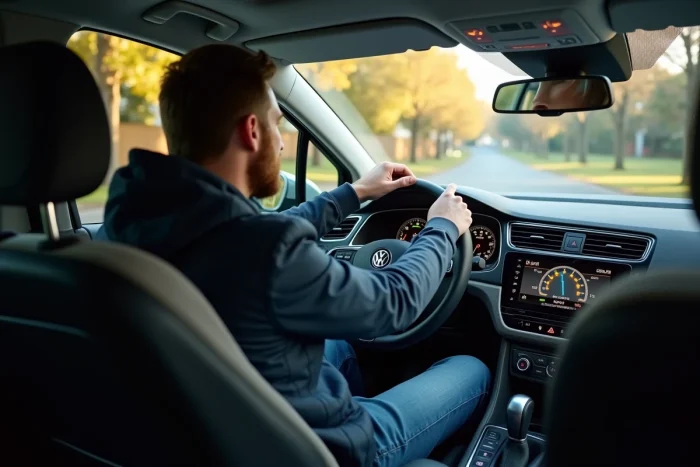
The Lane Assist function automatically activates at each startup on most Volkswagen models, despite a manual deactivation during the previous trip. Some drivers are unaware that temporary deactivation does not change the system’s default configuration. The procedure varies depending on the year and model of the vehicle. There may be direct access via the central screen or a dedicated button, while some models require navigation through the infotainment system menus. Recent software updates have also changed the title or location of the settings.
Lane Assist on Volkswagen: understanding its operation and implications
Forget the fantasy of passive driving: on most recent Volkswagens, Lane Assist discreetly monitors every movement of the steering wheel. This system, installed behind the windshield, scans the white lines and promptly reacts to any suspicious deviation, alerting the driver with a correction or vibration. No need to opt for a high-end model: from compact SUVs to family estates, this driving aid is now part of the automotive landscape, mandated by the new European GSR2 regulation in effect since 2024.
In the Volkswagen universe, Lane Assist is rarely alone. It works in conjunction with other driving assistants: Travel Assist combines lane keeping and adaptive cruise control to manage heavy traffic, the fatigue alert detects signs of drowsiness, while braking assistance or sign recognition complement this technological bouquet. This quickly results in a complete arsenal for daily driving.
This is not universally appreciated on the road. While some praise the comfort of the system, others criticize its rigidity, especially on secondary roads or in tight corners. The default activation at each startup can be annoying at times. Many then seek how to regain control and turn off these intrusive alerts. For a detailed overview of the solutions, the comprehensive guide disabling Lane Assist on Volkswagen gathers all the step-by-step methods.
The European obligation regarding Lane Assist disrupts the balance between safety, driving pleasure, and vehicle control. An evolution that raises questions at a time when electric cars and embedded intelligence are reinventing our habits behind the wheel.
How to easily disable Lane Assist on your vehicle
Want to drive without digital interventions? Disabling Lane Assist is accessible to everyone, regardless of your technical expertise. On most recent Volkswagens, the option can be found in the infotainment menu or on the digital dashboard. Simply select the device in “Driving Aids” (or “Driving Assistants” depending on the models), then disable Lane Assist. Some models also offer direct access via the “Mode” button to the left of the steering wheel: a long press then displays all active aids.
But be careful, this manipulation is never permanent: at the next startup, regulations require that Lane Assist automatically reactivates. For those wishing to go further, there are two alternatives: coding via VCDS or using a tool like OBDeleven. These settings, reserved for experienced users, allow for adapting the automatic activation of the system, particularly useful if you often drive off major roads or in areas with frequent construction. Seasoned drivers who opt for this configuration appreciate having the choice while retaining most other electronic aids.
At any time, it remains possible to reactivate Lane Assist from the vehicle settings or revert to the factory settings. Each driver can thus adapt the assistance to their driving habits.
What precautions to take and where to find additional information on driving aids
Modifying the activation of Lane Assist means redefining your vigilance behind the wheel. The latest models multiply complementary systems, Travel Assist, adaptive cruise control ACC, Front Assist, which collaborate or activate independently. Without Lane Assist, additional vigilance is required, especially on highways or in changing conditions.
To better navigate this abundance of assistants, here are the main aids to check in your Volkswagen:
- Park Assist guides you during parking, whether parallel or perpendicular,
- Blind Spot Detection monitors blind spots and alerts you to vehicles hidden in the mirrors,
- Emergency Assist temporarily takes over if the driver no longer responds,
- IQ. Light Matrix LED automatically adjusts the beams according to traffic and nighttime conditions.
Understanding how each technology works reduces surprises: no assistant acts in place of an attentive driver, and poor settings can alter the overall experience. Stay rigorous in the settings, as each device has its own limits.
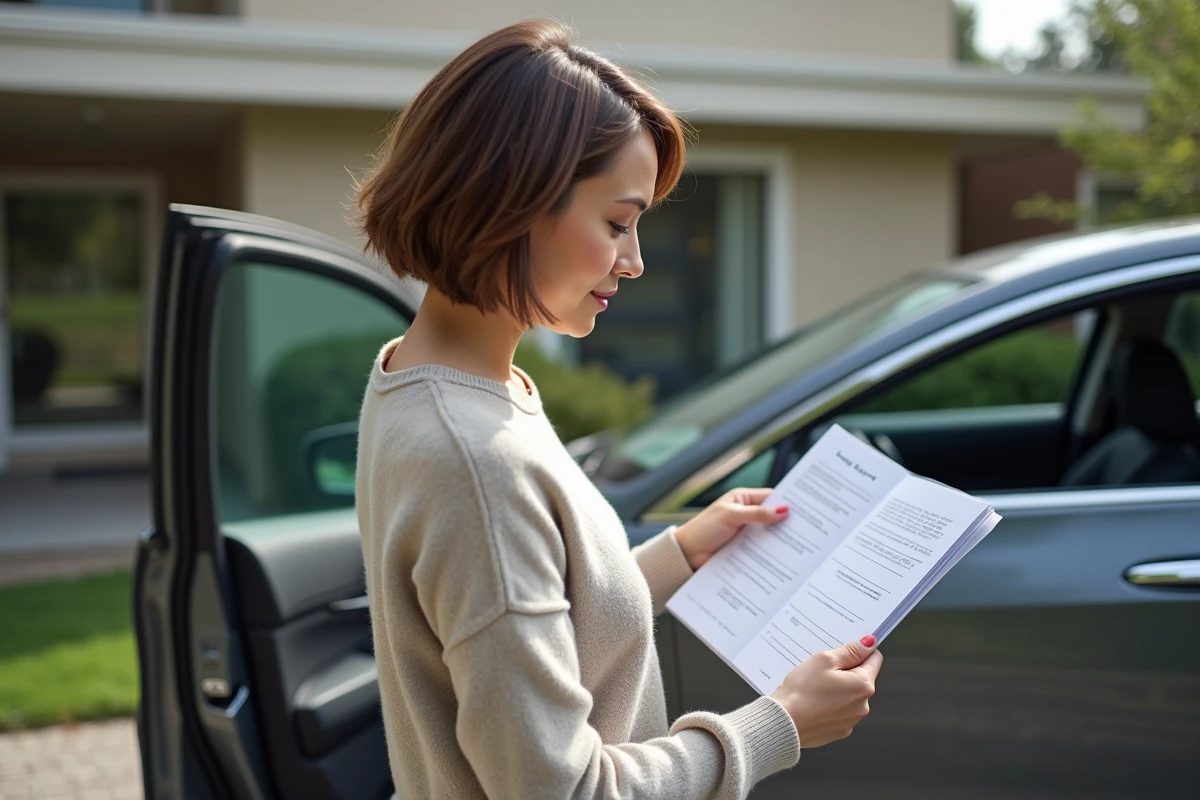
To fully understand the different functions, refer to the documentation provided with the car or download the manual via the Volkswagen mobile app. These resources detail procedures, compatibility, and interpretation of system messages. The official texts, particularly the current GSR2 standard, also set certain obligations: depending on the model, it is no longer possible to continuously disable Lane Assist. Practical guides and specialized tutorials complement the information to precisely adjust the settings of your Volkswagen.
Choosing to drive with or without Lane Assist opens the door to a new dialogue between humans and machines, on roads where every turn can make a difference.